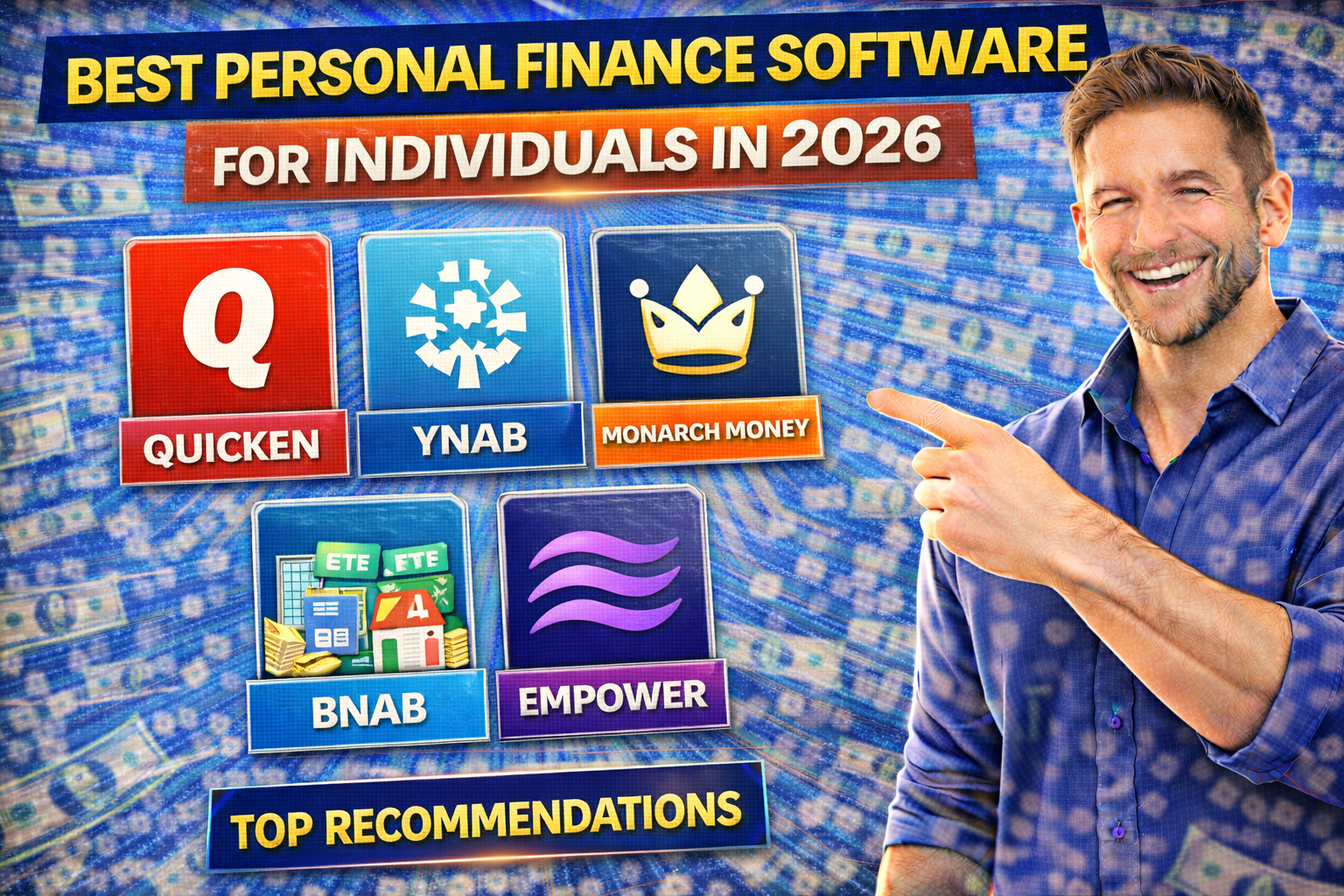
Let me guess. Best Personal Finance Software for Individuals in 2026.
You know you should be tracking your money. You know you should have a budget. You know you should be saving more.
But between work, family, and just living life, who has time to sit down with a spreadsheet and categorize every coffee purchase?
The good news? You don’t have to anymore.
Personal finance software has come a long way from the days of manual data entry and confusing interfaces. In 2026, the best apps do the heavy lifting for you—automatically importing transactions, categorizing spending, and showing you exactly where your money is going.
I’ve tested dozens of these tools over the years. Some saved me thousands. Some were a complete waste of time. In this guide, I’ll walk you through the absolute best options for 2026—whether you’re a budgeting beginner, a detail-oriented planner, or a freelancer juggling personal and business finances.
How to Choose the Right Personal Finance Software
Before we dive into specific recommendations, let’s talk about what actually matters when choosing a tool.
Key Factors to Consider:
1. Automatic Bank Syncing
Does it connect to your bank, credit card, and investment accounts automatically? Manual entry is a recipe for quitting after two weeks.
2. Cost
Free options exist, but paid tools often offer better features and support. Consider what you’re willing to invest in your financial health.
3. Budgeting Approach
Different apps use different methods—zero-based budgeting, envelope system, simple spending tracking. Pick one that matches how you think about money.
4. Platform
Do you want mobile-only? Desktop-focused? Web-based? Make sure it works on your preferred devices.
5. Features Beyond Budgeting
Investment tracking, net worth calculations, bill negotiation, credit score monitoring—these extras can add significant value.
6. Security
Your financial data is sensitive. Look for bank-level encryption, multi-factor authentication, and a company with a solid reputation.
The Best Personal Finance Software for 2026
Based on expert reviews from PCMag, Forbes, and extensive user testing, here are the top options :
1. Quicken Simplifi: Best Overall
| Feature | Details |
|---|---|
| Best For | All-around money management |
| Cost | $2.99/month (50% off first year) |
| Platform | Web, iOS, Android |
| Bank Syncing | Yes |
| Free Trial | Yes |
Why it’s #1: PCMag named Quicken Simplifi its Editors’ Choice for best personal finance app, and for good reason . It strikes the perfect balance between powerful features and ease of use.
What makes it special:
- Exceptional transaction tracking and categorization
- Flexible, effective budgeting tools
- Customizable reports throughout the platform
- Superb mobile apps that mirror desktop functionality
- “Spending Plan” feature shows exactly where your money is going
The tradeoff: There’s a minor learning curve with the Spending Plan, and savings goals don’t link to live accounts . But for most people, this is the one to beat.
Who it’s for: Anyone who wants comprehensive money management without complexity. The sweet spot between “too simple” and “too complicated.”
2. YNAB (You Need A Budget): Best for Intentional Budgeting
| Feature | Details |
|---|---|
| Best For | Zero-based budgeting, getting out of debt |
| Cost | $14.99/month or $109/year |
| Platform | Web, iOS, Android |
| Bank Syncing | Yes |
| Free Trial | 34 days |
Why it’s special: YNAB isn’t just software—it’s a financial philosophy. Based on four simple rules, it teaches you to give every dollar a job and plan for expenses before they happen .
What makes it special:
- Effective, realistic spending management philosophy
- Innovative approach to budgeting (the “envelope method” digitized)
- Voluminous support and educational material
- Account sharing with up to six people
- Exceptional user experience
The tradeoff: YNAB requires time and commitment to understand and use effectively . It doesn’t track investments or offer bill pay features—it’s laser-focused on budgeting.
Who it’s for: People who want to transform their relationship with money. If you’re serious about getting out of debt or building savings, YNAB is worth every penny. John Marshall Bank recommends it specifically for those who want to live on a budget to save money and pay off debt .
3. Monarch Money: Best for Couples and Bill Management
| Feature | Details |
|---|---|
| Best For | Couples budgeting together, bill tracking |
| Cost | $14.99/month or $99.99/year (50% off first year with code PCMAG50) |
| Platform | Web, iOS, Android |
| Bank Syncing | Yes |
| Free Trial | Yes |
Why it’s special: Monarch surged in popularity after Mint shut down in 2024, and it’s now one of the fastest-growing budgeting apps with over 500,000 subscribers .
What makes it special:
- Attractive, intuitive user experience
- Understandable, flexible budgeting
- Excellent bill and recurring transaction management
- New innovations like Amazon connections
- No limit on account sharing (perfect for couples)
The tradeoff: The price is somewhat high, and forecasting could be stronger . But for couples managing finances together, it’s hard to beat.
Who it’s for: Couples who want to manage money together, and anyone who struggles with tracking recurring bills and subscriptions.
4. Quicken Classic: Best for Power Users
| Feature | Details |
|---|---|
| Best For | Detailed investment tracking, comprehensive reporting |
| Cost | Starting at $2.99/month |
| Platform | Windows, Mac, Web companion |
| Bank Syncing | Yes |
| Free Trial | Yes |
Why it’s special: Quicken has been around for decades, and Classic remains the most feature-rich personal finance software available .
What makes it special:
- Deep set of personal finance tools
- Flexible, in-depth transaction tracking
- Excellent reports and planning tools
- Advanced investment tracking (unmatched by competitors)
- Companion website available
The tradeoff: Mostly desktop-dependent with an uneven user interface. Can be overwhelming for new users .
Who it’s for: Power users who want total control. If you have complex investments, rental properties, or just love detailed reporting, Quicken Classic is your tool.
5. Rocket Money: Best for Subscription Management
| Feature | Details |
|---|---|
| Best For | Finding and canceling unwanted subscriptions |
| Cost | Free version or $7-$14/month premium |
| Platform | iOS, Android |
| Bank Syncing | Yes |
| Free Trial | 7 days |
Why it’s special: Rocket Money (formerly Truebill) excels at one thing most apps don’t: actively saving you money by finding and canceling subscriptions you forgot about .
What makes it special:
- Exceptional design and navigation
- Good budgeting and transaction management tools
- Identifies recurring charges and estimates annual costs
- Premium version cancels subscriptions for you
- Bill negotiation service (for a fee)
- Low balance alerts to avoid overdraft fees
The tradeoff: Premium subscription cost varies, weak investment tracking, and bill negotiation isn’t always successful .
Who it’s for: Anyone paying for subscriptions they don’t use. Also great for overspenders who need help identifying where money is leaking.
6. NerdWallet App: Best Free Option
| Feature | Details |
|---|---|
| Best For | Free budgeting + credit monitoring |
| Cost | Free |
| Platform | iOS, Android |
| Bank Syncing | Yes |
| Free Trial | N/A |
Why it’s special: PCMag names NerdWallet the best free personal finance app, and it’s earned that title .
What makes it special:
- Completely free (no paid tiers)
- Voluminous financial education content
- Promotes understanding of cash flow and net worth
- Excellent mobile app design
- Provides access to cash, investing, and Treasury accounts
- Credit score monitoring included
The tradeoff: Budget features are basic compared to dedicated apps . Best as a secondary tool for credit tracking or for beginners who want free, solid functionality.
Who it’s for: Anyone who wants solid money management without paying. Perfect for students, young adults, or as a supplement to other tools.
7. PocketGuard: Best for Overspenders
| Feature | Details |
|---|---|
| Best For | Knowing how much you can safely spend |
| Cost | Free version or $12.99/month premium |
| Platform | iOS, Android |
| Bank Syncing | Yes |
| Free Trial | Yes |
Why it’s special: PocketGuard simplifies budgeting to one powerful number: how much you have left to spend after bills and savings .
What makes it special:
- Calculates a “spendable” amount after accounting for bills, goals, and necessities
- Number updates in real-time as transactions post
- No mental math required
- Rollover budget feature
The tradeoff: Free plan has limited customization. Advanced features like debt payoff plans require premium .
Who it’s for: Impulse spenders who need a clear, simple answer to “Can I afford this?”
8. Wallet by BudgetBakers: Best for Cash Flow Visuals
| Feature | Details |
|---|---|
| Best For | Visualizing spending with charts and reports |
| Cost | Free version or $5.99/month, $49.99 lifetime |
| Platform | iOS, Android |
| Bank Syncing | Paid version only |
| Free Trial | 14 days premium |
Why it’s special: Wallet excels at making your financial data beautiful and easy to understand through graphics and charts .
What makes it special:
- Automatically categorizes spending
- Shows expected net cash balances
- Identifies recurring payments
- User-friendly interface
- Can be shared with others
The tradeoff: Cannot autosync transactions with the free version. Pricing isn’t clearly stated on the website .
Who it’s for: Visual learners who want to see their cash flow in colorful, easy-to-digest charts.
Best Apps for Specific Needs
For Freelancers and Self-Employed: Expensify
| Feature | Details |
|---|---|
| Best For | Mixing personal and business expenses |
| Cost | 30-day free trial, then paid plans |
| Platform | iOS, Android, Web |
| Bank Syncing | Yes |
Why it’s special: Expensify bridges the gap between personal finance and business expense management .
Key features:
- SmartScan technology pulls data from receipt photos
- Text receipts to a number for automatic upload
- Track mileage for tax deductions
- Chat-based expense splitting
- AI-powered assistant learns your patterns
The tradeoff: Not permanently free, but worth it for anyone serious about self-employed expense tracking .
For Couples: Honeydue
| Feature | Details |
|---|---|
| Best For | Couples managing money together |
| Cost | Free |
| Platform | iOS, Android |
| Bank Syncing | Yes |
Why it’s special: Honeydue is designed specifically for couples to manage their finances together without friction.
Key features:
- Shared budgets and bill tracking
- Chat within the app about transactions
- Each partner chooses what to share
- Bill reminders to avoid late fees
For Roommates and Groups: Splitwise
| Feature | Details |
|---|---|
| Best For | Splitting expenses with others |
| Cost | Free |
| Platform | iOS, Android, Web |
| Bank Syncing | No |
Why it’s special: Splitwise eliminates the awkwardness of “you owe me” conversations.
Key features:
- Track shared expenses
- Calculate who owes whom
- Simplify debts
- Great for trips, apartments, group dinners
For Micro-Investing: Acorns
| Feature | Details |
|---|---|
| Best For | Starting to invest with spare change |
| Cost | $3-$5/month |
| Platform | iOS, Android |
| Bank Syncing | Yes |
Why it’s special: Acorns makes investing effortless by rounding up purchases and investing the difference .
Key features:
- Round-ups from everyday purchases
- Curated portfolio selection
- IRA options (Acorns Later)
- Educational content
Free vs. Paid: Which Should You Choose?
You Might Be Fine with Free If:
- You’re just starting to track your money
- You don’t mind manual entry or basic features
- You primarily want credit monitoring with basic budgeting
- You’re on a tight budget yourself
Best free options: NerdWallet, PocketGuard (free tier), Honeydue, Splitwise
You Should Consider Paid If:
- You want automatic bank syncing
- You need detailed investment tracking
- You’re serious about getting out of debt
- You want educational resources and support
- You value your time more than $5-$15/month
Best paid options: Quicken Simplifi, YNAB, Monarch Money
Security Considerations
Before you connect your bank accounts to any app, consider these security factors :
What to look for:
- Bank-level encryption (256-bit)
- Multi-factor authentication
- Touch ID or Face ID login
- Read-only access (apps shouldn’t be able to move your money)
- Established company with good reputation
Red flags:
- Apps that ask for your banking password directly (use Plaid or similar secure connections)
- No clear privacy policy
- Poor app store reviews mentioning security issues
- Unknown companies with no track record
How to Get Started: Your 30-Day Plan
Week 1: Choose and Set Up
- Pick one app from this list based on your needs
- Download and create account
- Connect your bank accounts, credit cards, and investment accounts
- Set up categories (or use defaults)
Week 2: Observe
- Don’t change anything yet
- Let the app track your spending for a week
- Review where your money actually goes
- Identify surprises
Week 3: Create Your First Budget
- Based on your actual spending, set realistic budget categories
- Include savings as a non-negotiable category
- Set up bill reminders
Week 4: Automate and Adjust
- Set up recurring logins (daily or weekly check-ins)
- Automate savings if the app offers it
- Make small adjustments to your spending based on data
- Schedule monthly reviews
The Bottom Line
The best personal finance software is the one you’ll actually use.
For most people in 2026, Quicken Simplifi offers the best combination of power and simplicity. It’s our top recommendation for individuals who want comprehensive money management without complexity .
If you’re serious about transforming your financial life—getting out of debt, building savings, making every dollar count—YNAB is worth the investment and the learning curve .
For couples managing money together, Monarch Money leads the pack with excellent sharing features and bill management .
And if you want something completely free, NerdWallet provides solid basic functionality plus valuable credit monitoring .
The important thing isn’t which app you choose. It’s that you choose one. People who track their money consistently make better financial decisions, save more, and stress less .
Your move: Pick one app from this list. Download it today. Connect one account. See how it feels. Start small, but start now.
Which app are you going to try? Drop a comment below—I’d love to hear what you’re looking for and help you make the right choice!