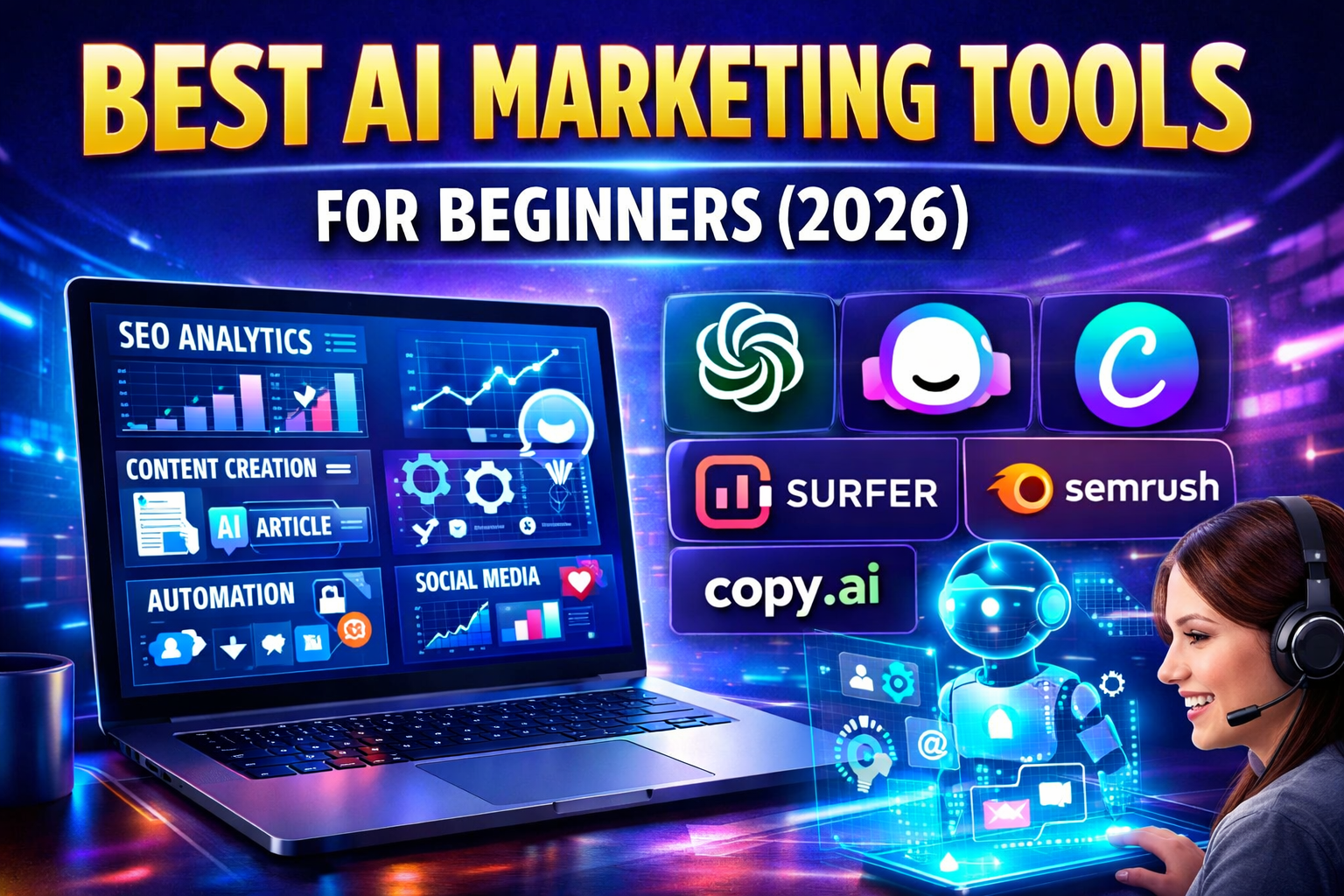
Let’s be honest for a second. If you are just starting out in business or marketing in 2026, the landscape looks both magical and terrifying.
On one hand, we have access to technology that was science fiction five years ago. On the other hand, the sheer volume of “AI-powered” software launching every week is enough to make your head spin. I’ve spoken to dozens of solopreneurs and small business owners recently, and the sentiment is always the same: “I know I need to use AI, but I don’t know where to start, and I don’t want to waste money on hype.”The 2026 Beginner’s Guide to AI Marketing
If that sounds like you, you are in the right place. Forget the complex enterprise stacks and the million-dollar agencies. This guide is specifically for the beginner. We are going to cut through the noise and look at the best AI marketing tools in 2026 that are actually useful, affordable, and—most importantly—easy to use.
The goal here isn’t to replace you with a robot. The goal is to give you a “superpowered intern” that handles the boring, repetitive stuff so you can focus on the strategy, the creativity, and the human connection that actually builds a brand .
The Mindset Shift: Don’t Just Write, Think
Before we dive into the tools, let’s talk about how to use them. A common mistake beginners make is treating AI like a magic wand. They type, “Write me a blog post,” and then copy-paste the result. The internet is already overflowing with this kind of generic, flavorless content.
In 2026, the real winners aren’t those who can generate the most words; they are those who can use AI to think better . The tools below are designed to augment your skills, not erase them. Think of yourself as the “Chief Prompting Officer” of your own business. Your job is to guide the machine with your unique perspective and expertise.
Let’s break down the stack by the jobs you actually need to do.
1. The Swiss Army Knife: Your AI Co-Pilot
If you could only pick one tool on this entire list, this would be it. In 2026, the general-purpose AI assistants have become incredibly powerful. They are the hub of your entire marketing operation.
The Tool: ChatGPT (Free – $20/month)
While there are other fantastic assistants like Claude (amazing for long-form writing) and Gemini (great for research), ChatGPT remains the most versatile for beginners . The free tier is generous enough to get you started, but the $20/month “Plus” plan unlocks the full reasoning power of the latest models.
What a Beginner Can Actually Do With It:
- Beat the Blank Page: Don’t stare at a cursor. Ask it to brainstorm 10 blog post titles about “eco-friendly dog food” or draft five different hooks for a social media post about your new service.
- Repurpose Your Hard Work: You wrote a great newsletter? Paste it in and ask ChatGPT to turn it into 3 LinkedIn posts, a short video script, and a thread for X (Twitter). This alone saves hours.
- The 80% Draft: Use it to write the first draft of an email or a blog section. Your job then becomes editing and injecting your personality into that draft, which is much faster than starting from scratch.
- Customer Research: Copy and paste a few positive (and negative) reviews about your product or a competitor’s product. Ask ChatGPT to analyze the sentiment. What are people really loving? What is their biggest pain point? This gives you instant market research data .
Pro Tip: Don’t ask for “a post.” Give it context. Tell it, “You are a knowledgeable but friendly guide for beginner gardeners. Write a short email explaining why soil health matters, as if you were talking to a friend over coffee.” The better the input, the better the output.
2. Design Made Easy: Looking Professional Without a Degree
Not everyone is a designer. I’m certainly not. But in the visual world of 2026, you can’t afford to look amateurish. Canva AI has completely democratized design.
The Tool: Canva (Magic Studio) (Free – $15/month)
Canva has evolved from a simple drag-and-drop tool into a full-fledged AI-powered creative suite. If you need an image, a social post, a presentation, or even a short video, this is where you start.
What a Beginner Can Actually Do With It:
- Magic Design: Upload a photo of your product, or just type “vibrant Instagram post for a coffee shop.” Canva’s AI (Magic Design) will instantly generate a suite of templates tailored to your idea. You just pick the one you like and tweak the text .
- Remove and Replace Backgrounds: This used to require Photoshop wizardry. Now, with one click, you can remove the messy background from your product photo and replace it with a clean, professional studio backdrop (Magic Edit) .
- Generate Visuals: Need a specific image but don’t have a budget for stock photos? Use the AI image generator to create exactly what you envision—just be specific with your prompt.
- Maintain Consistency: Save your brand colors and fonts in the “Brand Kit.” Now, every time you or your AI create something, it stays on-brand, making you look like a pro .
3. Writing for the Machines (and Humans): SEO and Content
Writing content is one thing. Writing content that people actually find on Google is another. This is where specialized AI tools come in to optimize your work for search engines, which are now increasingly powered by AI themselves (think Google’s AI Overviews).
The Tool: Surfer SEO ($79/month)
For a beginner, this might feel like the first “serious” investment. But if you rely on organic traffic (people finding you via search), it’s essential. Surfer SEO analyzes the top-ranking pages for any keyword and tells you exactly what to write about.
What a Beginner Can Actually Do With It:
- Stop Guessing: Instead of wondering if your blog post is long enough or covers the right topics, Surfer gives you a score. It tells you how many words to write, which related terms to include (like “soil pH” for a gardening article), and how to structure your headers.
- Optimize as You Write: Use their Chrome extension while writing in Google Docs. It’s like having an SEO expert looking over your shoulder, whispering, “You should mention ‘composting’ here to rank better.”
- Combine with ChatGPT: This is the power move. Write a draft with ChatGPT, then run it through Surfer. It will show you exactly where the gaps are. You then go back to ChatGPT and ask it to write a paragraph about the missing topic. This workflow produces content that is both well-written and technically optimized to rank .
4. Automating the Grunt Work: Workflow Magic
As a beginner, your time is your most valuable asset. You shouldn’t be manually moving data from one place to another or trying to remember to post on every social platform. Let the robots handle the logistics.
The Tool: Zapier (Free – $20/month)
Zapier is the glue that connects all your different apps. It lets you create “Zaps” (automated workflows) that do the boring tasks for you.
What a Beginner Can Actually Do With It:
- Connect Your World: Make it so that when you get a new customer in your online store (like Shopify), their email is automatically added to your email marketing list (like Mailchimp).
- Share Your Content: Set up a Zap so that every time you publish a new blog post, a post is automatically created on your LinkedIn and X (Twitter) announcing it.
- Stay Organized: Create a Zap that saves every new photo you add to a specific Dropbox folder directly into your Canva account for easy access.
Zapier acts like a tireless virtual assistant, ensuring that nothing falls through the cracks while you sleep .
5. Video for the Camera-Shy: AI Avatars
Video is non-negotiable in 2026, but being on camera is terrifying for many people. Thankfully, AI avatars have crossed the “uncanny valley” and now look incredibly realistic. You can create professional presenter videos without ever turning on your webcam.
The Tool: Synthesia (Starting at $18/user/month)
This platform allows you to type a script, choose a realistic AI avatar, and generate a video in minutes. They support dozens of languages and accents, making global marketing accessible.
What a Beginner Can Actually Do With It:
- Create Explainer Videos: Have a complex product or service? Create a clear, concise explainer video with a professional presenter guiding the viewer through it.
- Personalize Outreach: Imagine sending a video to a potential client where an avatar says, “Hi [Client Name], I was looking at your website and noticed…” It’s a powerful way to stand out.
- Training and Onboarding: If you hire help, use Synthesia to create training videos for your standard operating procedures. It ensures everyone gets the same message, delivered clearly.
6. Nurturing Relationships: Email Marketing with Brains
Email is still the king of ROI, but writing engaging emails every week is exhausting. Modern AI email tools help you write faster and smarter.
The Tool: Campaign Monitor (Free trial, plans from $12/month)
Platforms like Campaign Monitor have integrated AI writers directly into their editors. This means you can draft an email and then use the AI to punch up the subject line or suggest a different call-to-action.
What a Beginner Can Actually Do With It:
- Write Better Subject Lines: The AI can generate 10 different subject line variations for your newsletter. You can pick the one that sounds most like you (or A/B test them to see which performs best).
- Generate Content Blocks: Stuck on what to write in the middle section? Highlight it and ask the AI to rewrite it, make it more persuasive, or make it shorter.
- Send at the Right Time: These tools use AI to predict the best time to send an email to each individual subscriber, dramatically increasing the chances they will actually open it .
Building Your First Stack: The 2026 Starter Kit
If I were starting from scratch tomorrow, here is exactly what I would sign up for in the first month:
- ChatGPT Plus ($20): For strategy, brainstorming, and drafting.
- Canva (Free): For all visuals and social media content.
- Zapier (Free Starter Plan): To connect everything.
- Campaign Monitor (or similar email tool – $12): To build my email list.
Total Monthly Cost: ~$32.
Total Time Saved: 10-20 hours a month.
Value: Priceless.
The beauty of these tools is that they scale with you. As you get more comfortable, you can start layering in more specialized tools like Surfer SEO for growth or Synthesia for video.
The Final Human Word
As we move through 2026, the barrier to entry for marketing has never been lower. A single person with a clear vision and a handful of these AI tools can now outperform a team of five from a decade ago .
But remember the warning from the experts: AI is a tool for execution, not a replacement for strategy. It can write the words, but it doesn’t know your story. It can design the image, but it doesn’t feel your passion. It can automate the post, but it can’t build the relationship.
Use these tools to handle the heavy lifting. Use them to experiment faster and fail cheaper. But always, always use your human brain to steer the ship. That is the secret to not just surviving, but thriving, in the age of AI marketing.
1 thought on “The 2026 Beginner’s Guide to AI Marketing: Tools That Actually Do the Work”